Product
Campaigns built for real teams
Every fundraiser gets a dedicated workspace: goals, branding, timelines, and permissions—so leadership, volunteers, and finance share one source of truth from kickoff to reconciliation.
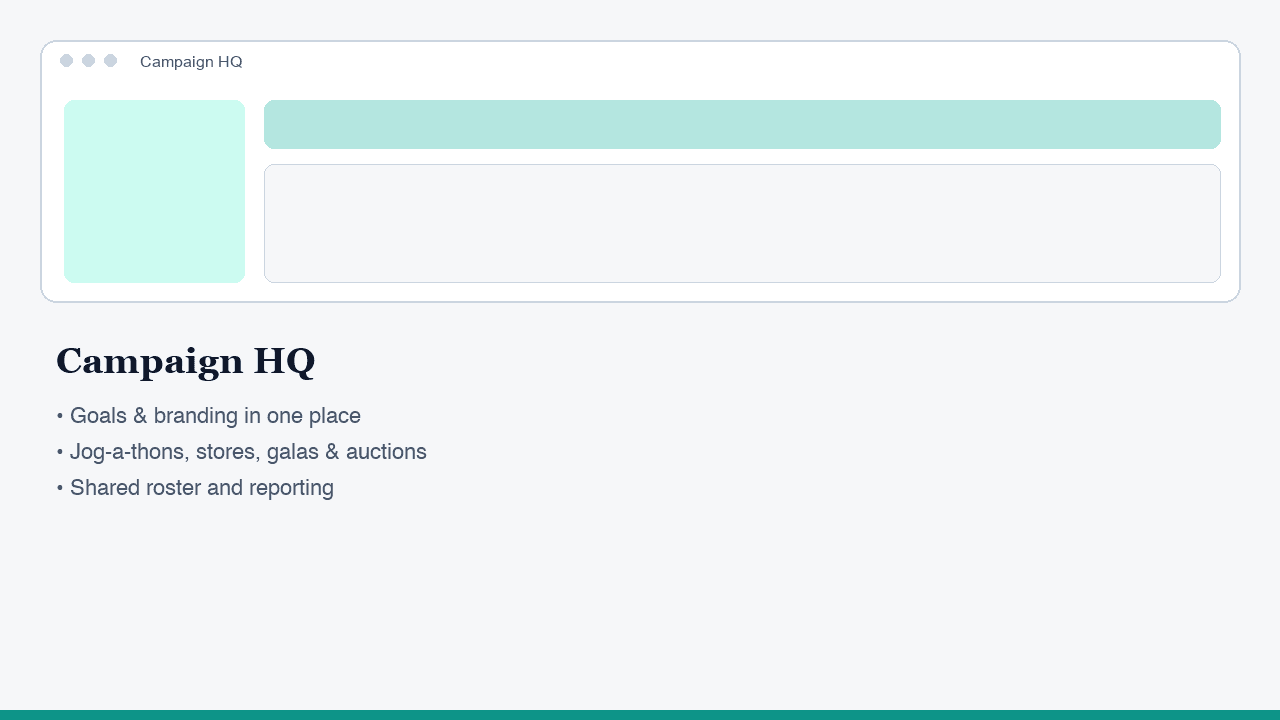
Schools and nonprofits rarely run one kind of event. You might pair a pledge drive with a fun run, layer an online store onto a gala, or run a silent auction the same season as a community dinner. Paddle-Up's campaign layer is where that work lives: one place to define what you are raising, who is involved, and how each piece of the program connects.
Instead of scattering goals across spreadsheets and chat threads, you set campaign-level targets, key dates, and messaging themes once. Ticketing, payments, auctions, and donor outreach all read from the same campaign context—so totals roll up consistently and nobody is guessing which "version" of the plan is current.
What a campaign workspace covers
- Goals & story: articulate fundraising targets and the narrative supporters see—whether that is classroom supplies, a building fund, or program scholarships.
- Branding & presence: keep logos, colors, and campaign naming consistent across registration pages, receipts, and communications.
- Timeline & milestones: align ticket sales windows, auction previews, jog-a-thon pledge periods, and day-of checkpoints so committees know what happens when.
- Access & roles: separate what board members, development staff, volunteer leads, and night-of teams need to see—without handing everyone the same giant export.
How teams actually use it
Development starts by creating the campaign and locking in basics: fiscal year, internal name, public-facing title, and primary contacts. Committee leads attach ticketing tiers, store or pledge mechanics, and auction plans as those workstreams spin up—each still tied to the same campaign ID for reporting.
Finance reviews consolidated views: revenue by channel (tickets, bids, donations, sales), fees, and payout timing, without stitching CSVs from three different tools. When the event ends, you are not debating which spreadsheet had the right total—you are closing the books from one system.
Grows with your calendar
Start with a single flagship event, then add seasonal campaigns or recurring annual formats. Because campaigns are first-class objects—not an afterthought in a generic "event" form—you can compare year over year, duplicate what worked, and adjust what did not—without rebuilding your stack every time.
Related areas
- Campaigns
- Auctions & bidding
- Bid sheet scanning
- Custom forms
- Ticketing & attendees
- Event seating
- Jog-a-thon & pledges
- Sponsorship packages
- Festival games & booths
- POS & mobile
- Payments
- Donors & communications
- Email management
- Procurement email AI
- Event operations
- Sign placement
- Device monitoring & streaming
- Inventory tracking
- AI Assistant
- Integrations & APIs
See pricing for every feature
One transparent rate—Stripe processing plus 0.1% + $0.15 per transaction. AI is pay-as-you-go when you use the assistant—purchase tokens per organization. The models we run are not cheap; including unlimited AI in our low per-transaction fee would not be sustainable.
Request a feature
Browse what others are asking for, vote on ideas, and submit your own. Feedback helps us prioritize—not a substitute for the shipping product.